Virtual core store
Review core imagery together without losing its sample and depth context. Connect core-table views with supporting images and interpretation.
 SUBSURFACE ANALYSIS
INTERPRET / SERVICE 16
CTS brings core imagery and subsurface evidence together in BaselineZ data rooms, connecting detailed observations with the wider geological model.
THE QUESTION
Connect core-scale detail with well and reservoir information in a shared visual environment. Define the review objective, select the appropriate data and retain the references needed to interpret it.
CTS is your point of contact for planning the programme and bringing the results together. Where specialist laboratory or interpretation input is required, delivery responsibilities are identified in your proposal.
The scope distinguishes the measurement package and its included outputs from additional processing, interpretation and interactive reporting. Sample requirements and method limitations are confirmed before work begins.
CTS + BASELINEZ
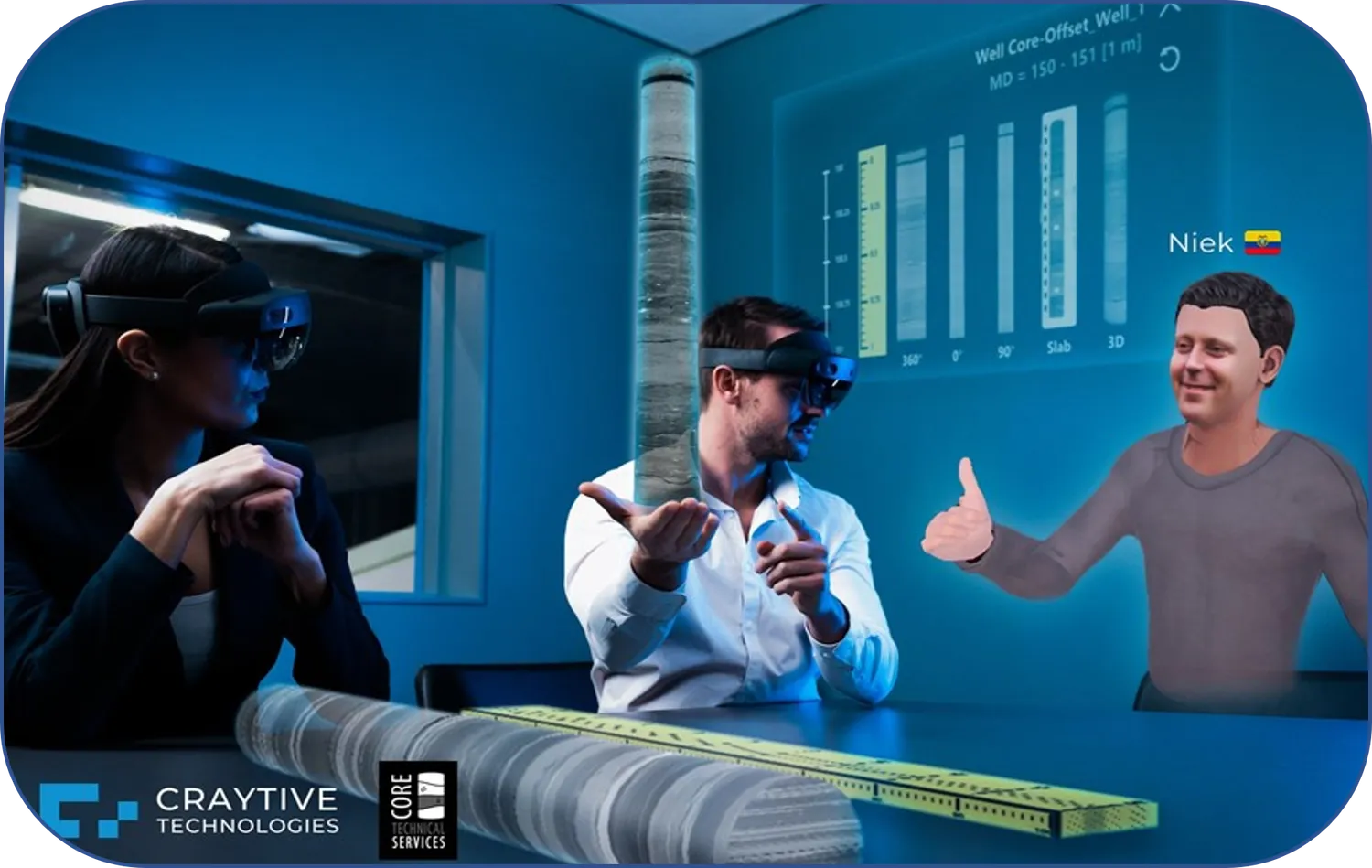
WATCH THE DATA ROOM TOUR
Follow a guided presentation from the virtual core table into geological context, linked core information and interpretation panels.
Full presentation · approximately 6 minutes · use the player controls for sound and full-screen viewing.
EXPLORE THE CORE IN 3D
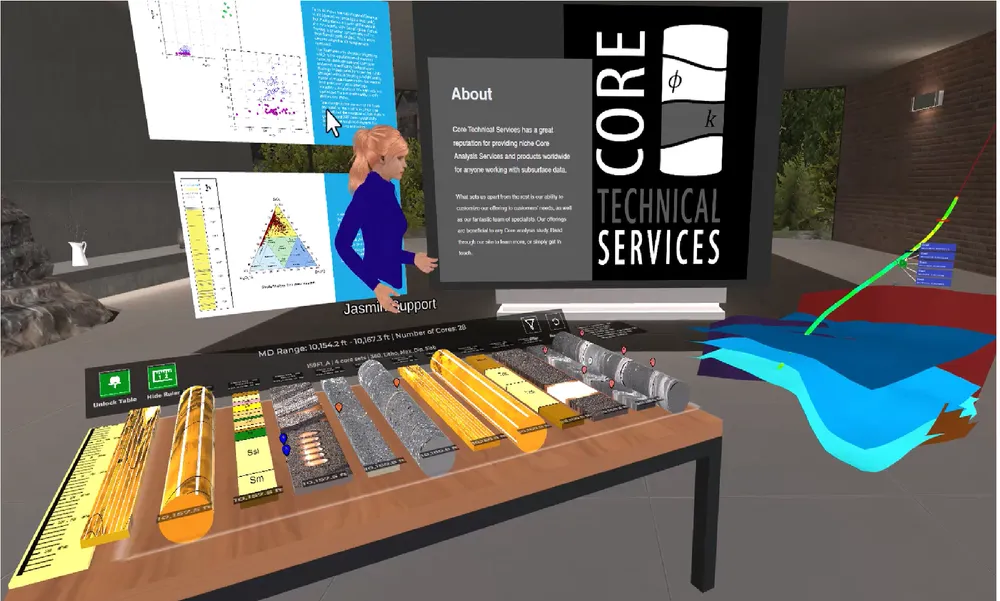
Review core imagery, logs and interpretation alongside the geological model in one shared data room.
Explore CT volumes and move through sectional views in a shared mixed-reality workspace.
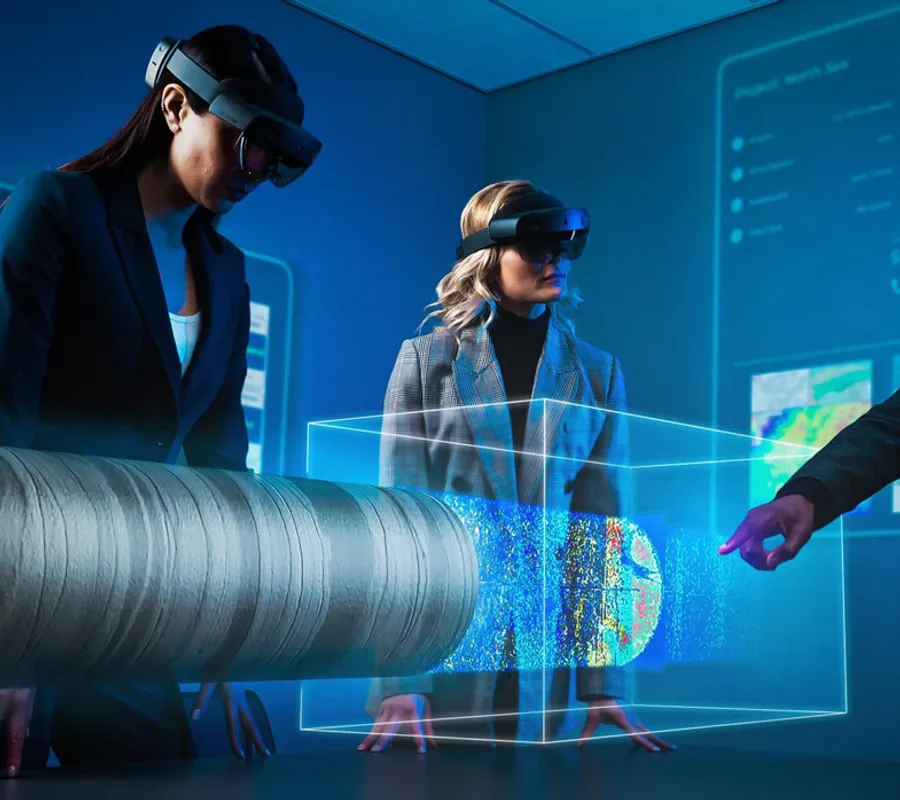
Bring core-scale observations into technical discussions with an immersive viewing environment.
Immersive-review illustration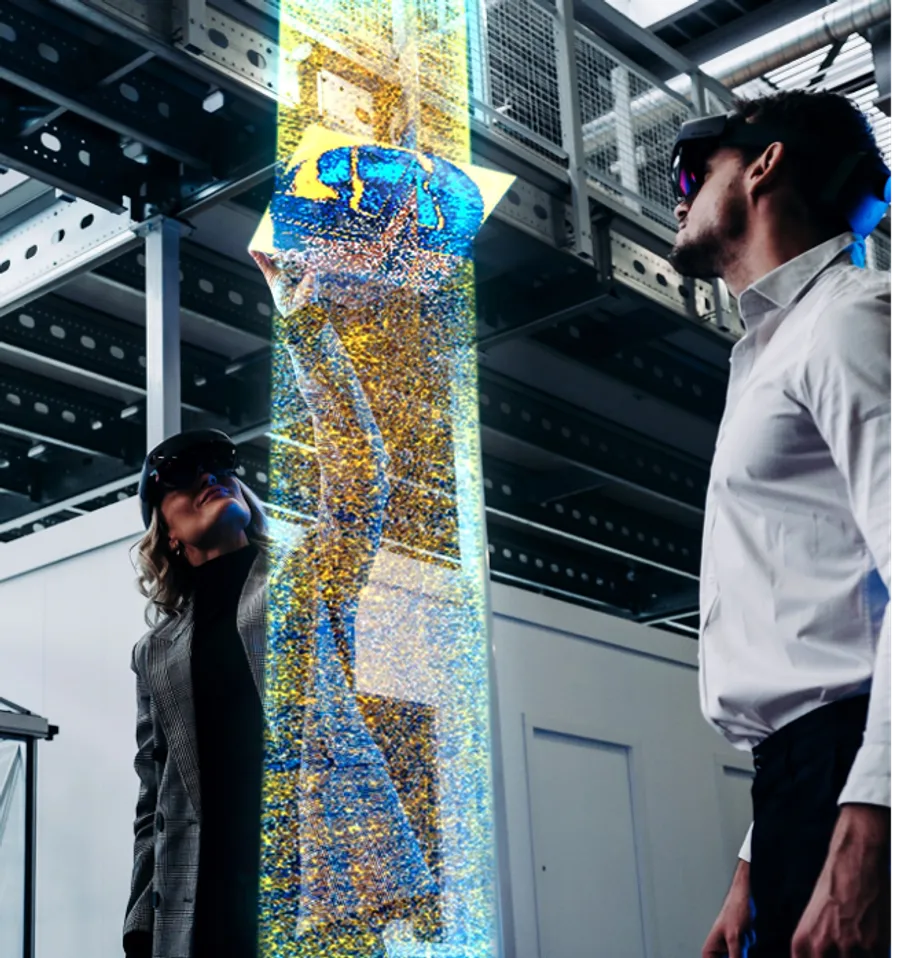
Explore internal structures in an enlarged 3D view to support shared interpretation and knowledge transfer.
Immersive-review illustrationDemonstration imagery supplied in the CTS / BaselineZ material.
Review core imagery together without losing its sample and depth context. Connect core-table views with supporting images and interpretation.
Place selected core observations alongside wells, logs and geological models. Move between scales to discuss how local evidence fits the larger structure.
Use a common 3D scene for workshops, interpretation discussions and knowledge transfer. Agree the review objectives and participants before the session.
ONE CONNECTED DATA ROOM
CTS DELIVERY
We define the data-room scope, prepare the selected core and subsurface material, and review the relationships between datasets. Guided sessions, handover and data updates can be included.
Agree source formats, units, reference frames, data ownership and the intended audience before preparation begins.
BASELINEZ PLATFORM
BaselineZ provides immersive 3D visualisation and remote collaboration. Select the supported viewing environment around the team’s needs; device compatibility and platform requirements are confirmed for each setup.
Discuss a BaselineZ project with CTS ↗A review objective, an inventory of the available models and core data, approved participants and any confidentiality restrictions. We then agree a manageable initial dataset, the platform arrangements and acceptance checks.
No. An interactive report links results and interpretation within a report format. A BaselineZ data room adds a spatial, collaborative viewing environment. Either can be commissioned separately or included in a connected delivery.
Explore reporting options ↗Data ownership, permission to upload, participant access and hosting requirements are agreed before any project material is transferred. The website does not provide access to private project data rooms.
A CONNECTED WORKFLOW
Interpretation boundary
A visualisation is not a new measurement or a validated reservoir simulation. Data quality, scale and alignment remain important. Platform features and device support depend on the selected version and licence.